Apple Pay

Frictionless checkout in thread.
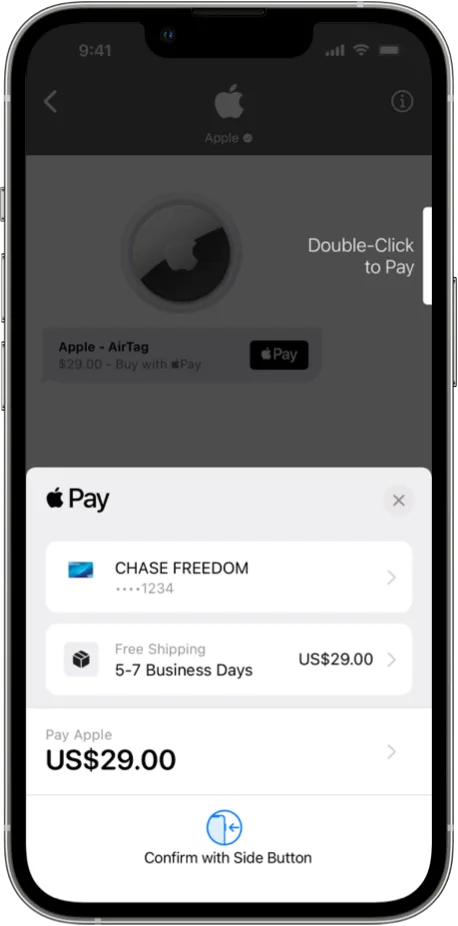
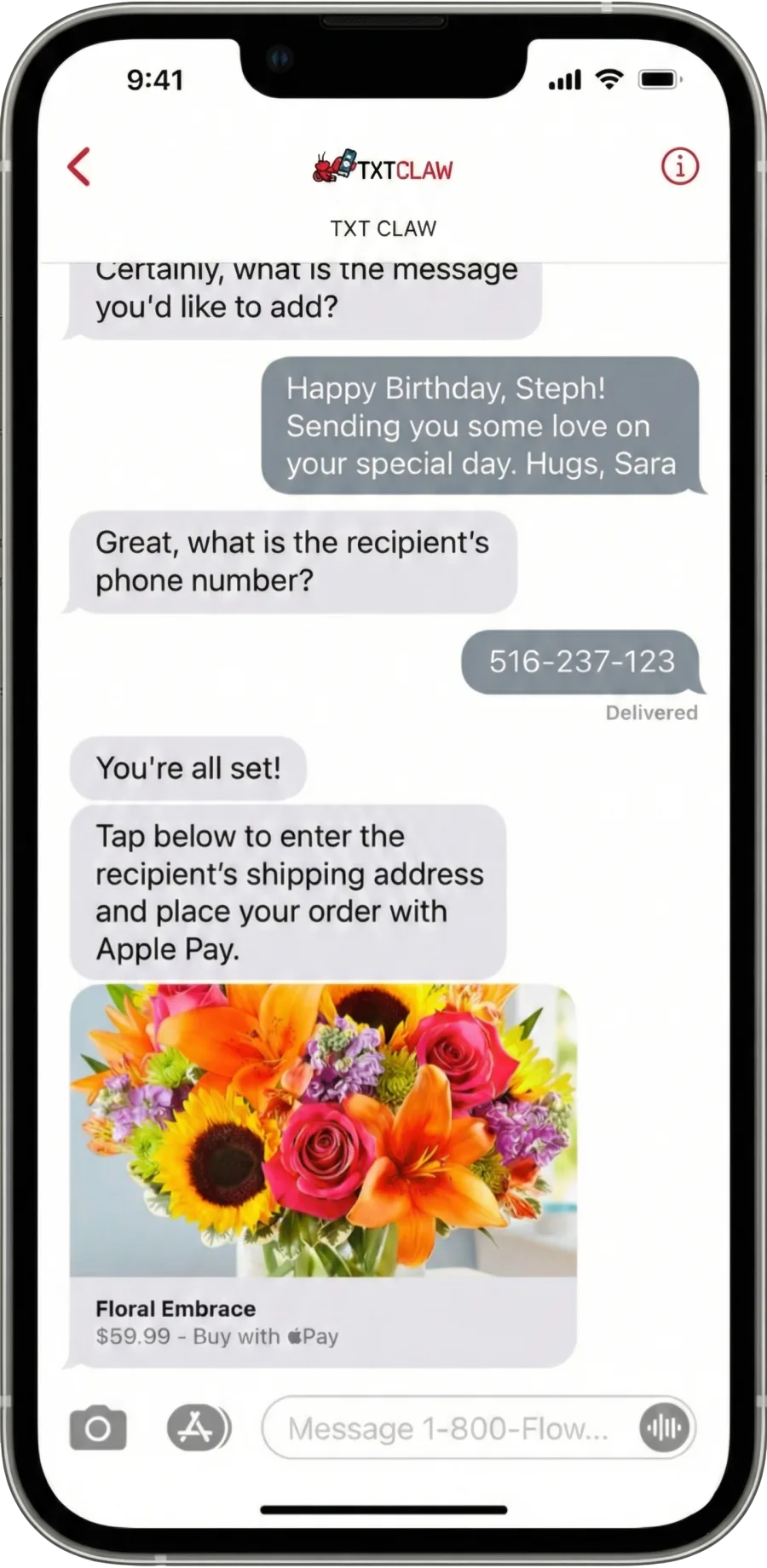
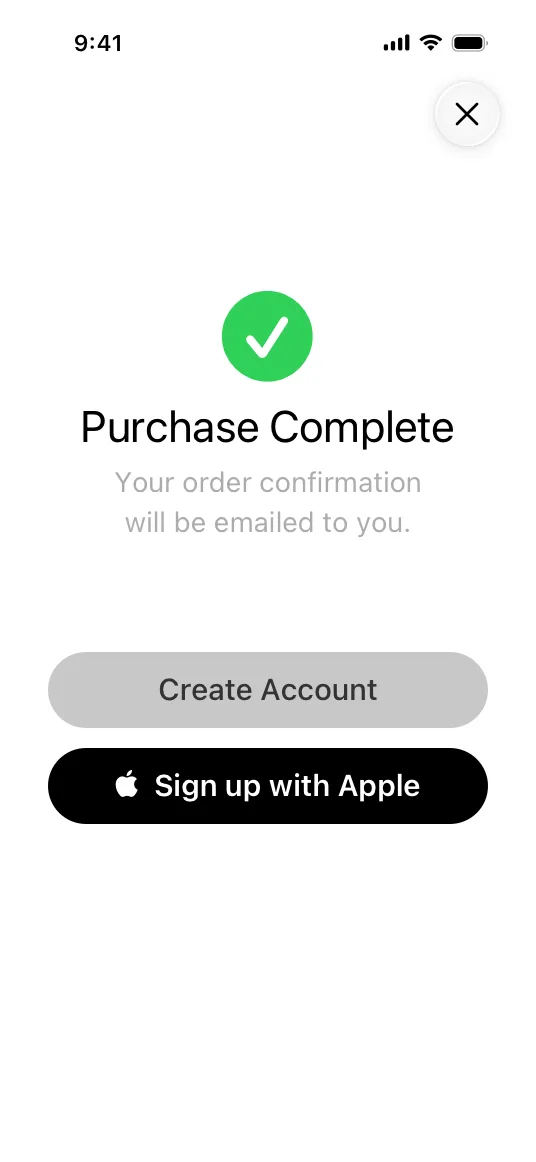
Customers can review and confirm purchases directly in Messages with a native Apple Pay flow.
- • One touch or glance to complete checkout.
- • Payment, contact, and order context stay in the same conversation.
No download. No account. No learning curve.
Free to try · Takes 5 seconds
Message and data rates may apply. Reply STOP to opt out.
TXT CLAW
+1 (855) 408-8675
Apple beta preview
We designed onboarding, checkout, and follow-up to feel familiar to everyday iPhone users while keeping the experience fast and simple.
Apple Pay
Customers can review and confirm purchases directly in Messages with a native Apple Pay flow.
Built-in Authentication
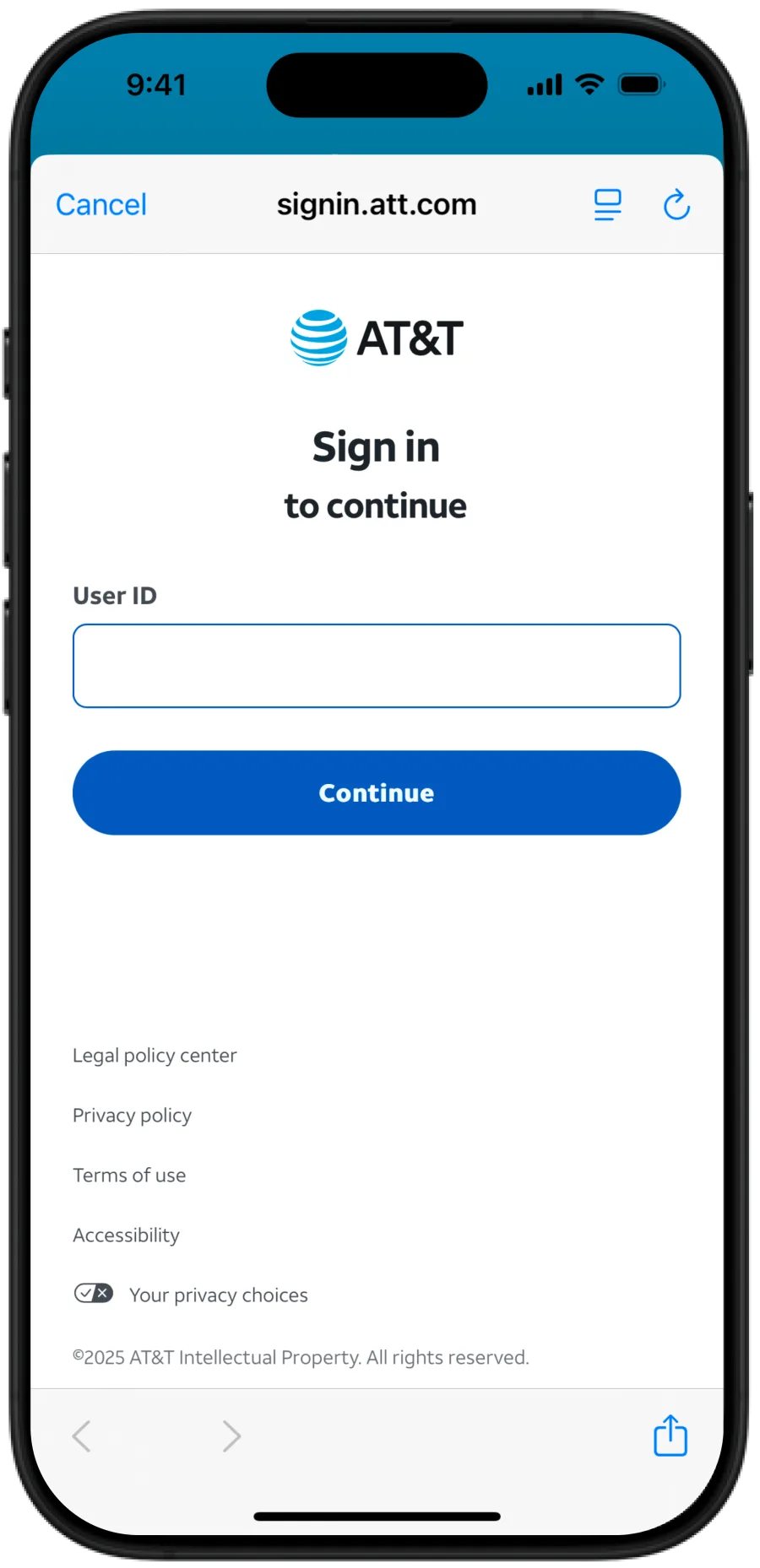
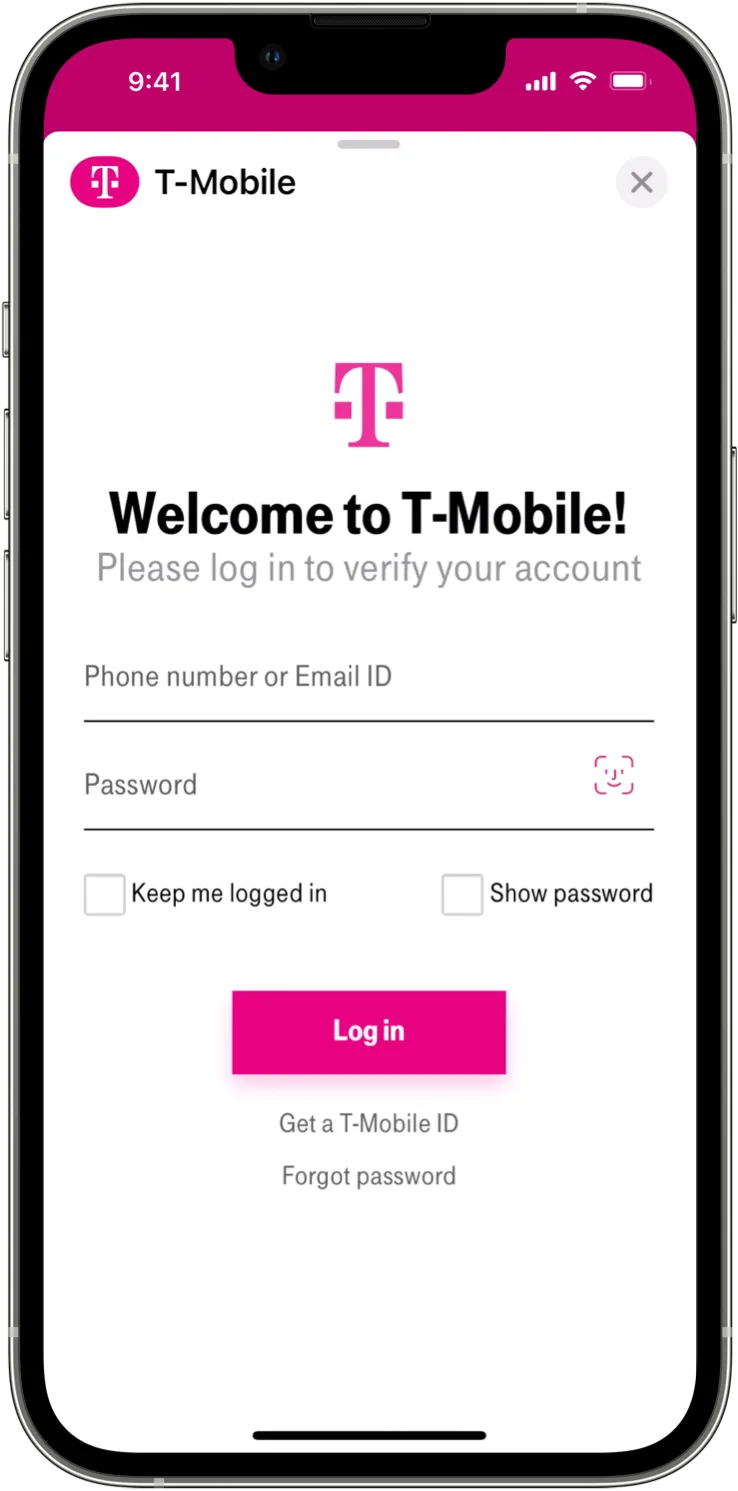
Customers can verify identity in familiar iPhone patterns without downloading another app.
Customer Continuity
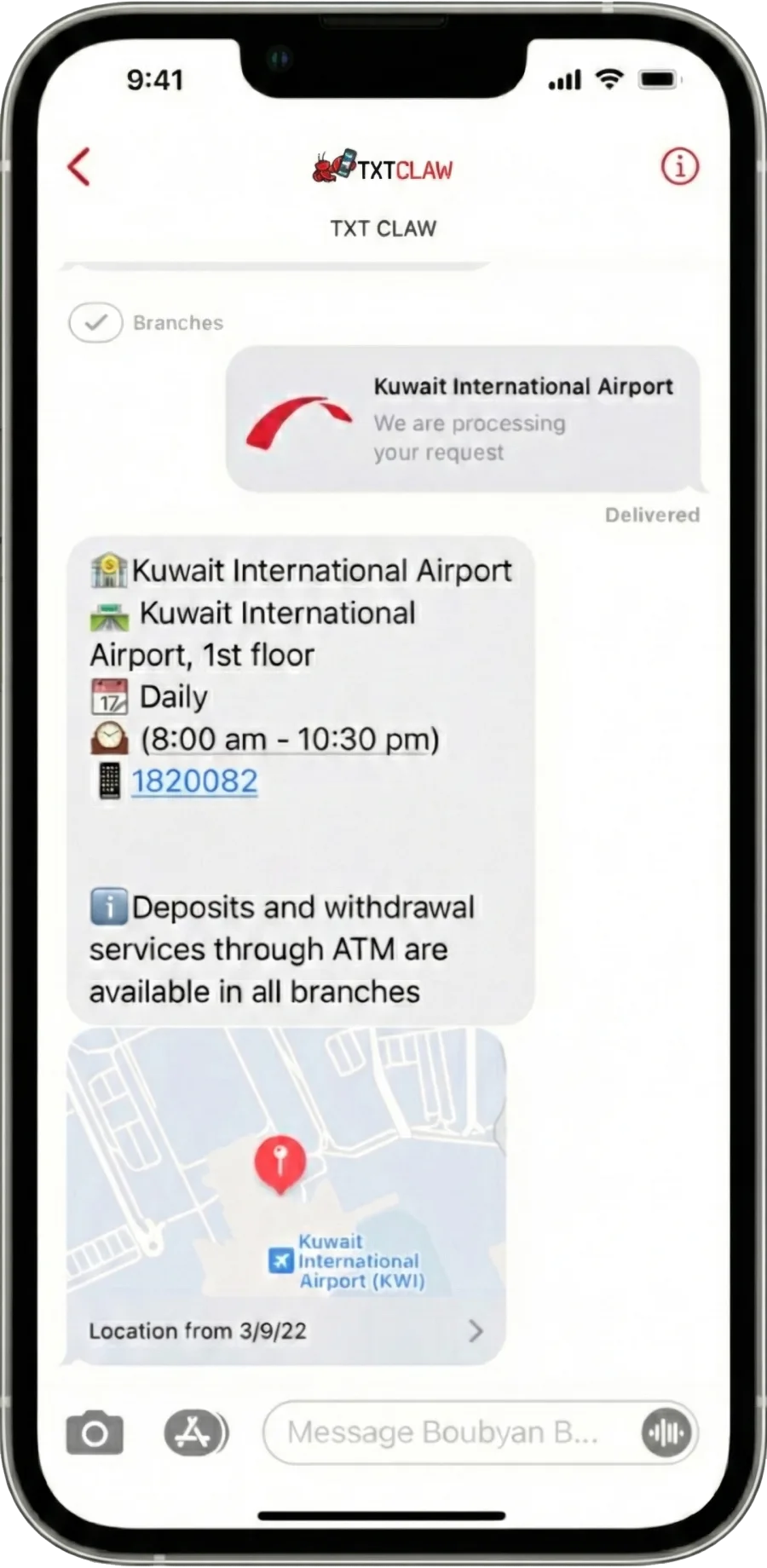
Users can move from checkout to confirmation and support without leaving their message thread.
Apple Pay
Customers can review and confirm purchases directly in Messages with a native Apple Pay flow.
Built-in Authentication
Customers can verify identity in familiar iPhone patterns without downloading another app.
Customer Continuity
Users can move from checkout to confirmation and support without leaving their message thread.
Invite-only onboarding
Get an AI that remembers you, browses the web for you, and handles tasks all from your normal texting app.
Join the Apple beta waitlist with your Apple ID email.
Invites are sent in daily batches as capacity opens.
Use your activation code if you have one, otherwise continue with fixed-price checkout on web.
After payment, you'll receive your Apple invite instructions.
First inbound message auto-activates your runtime and replies in-thread.
Capabilities
Everything you need from an AI assistant, delivered over the simplest interface there is.
A dedicated US number that's yours. Text it from any phone on the planet.
Your agent remembers every conversation. Context builds over time.
Browse the web, run code, automate tasks. An agent that does things.
Use your OpenAI, Anthropic, or any supported model API keys. Zero markup.
No unsolicited messages. No data selling. Cancel anytime. Export everything.
Your assistant lives in Messages, so it follows you across iPhone, iPad, Mac, and Apple Watch.
Pricing
Website checkout only. No negotiation. Fixed launch pricing for early access.
100 of 100 early bird seats remaining.
Claimed: 0/100 · Waitlist: 0
10 seats remaining.
Claimed: 0/10 · Waitlist: 0
Loading live counters…
No sign-up form. No app store. Message it and meet your AI.
Text +1 (855) 408-8675Built for real life
TXT CLAW is designed for people who want an assistant, not another app to learn.
Some assistants require a new app and a new workflow. TXT CLAW doesn’t. If you can text, you can use it. Even your grandma.
Ask in your language. Have it translate, summarize, and draft a reply in theirs. Perfect for fast-moving work and family logistics.
Tell your assistant who you invited and what matters. It can keep the thread warm as dates approach and keep you posted.
Text us: +1 (855) 408-8675
Message and data rates may apply. Reply STOP to opt out. Reply HELP for help.